Where can I find the detailed insights for each route?
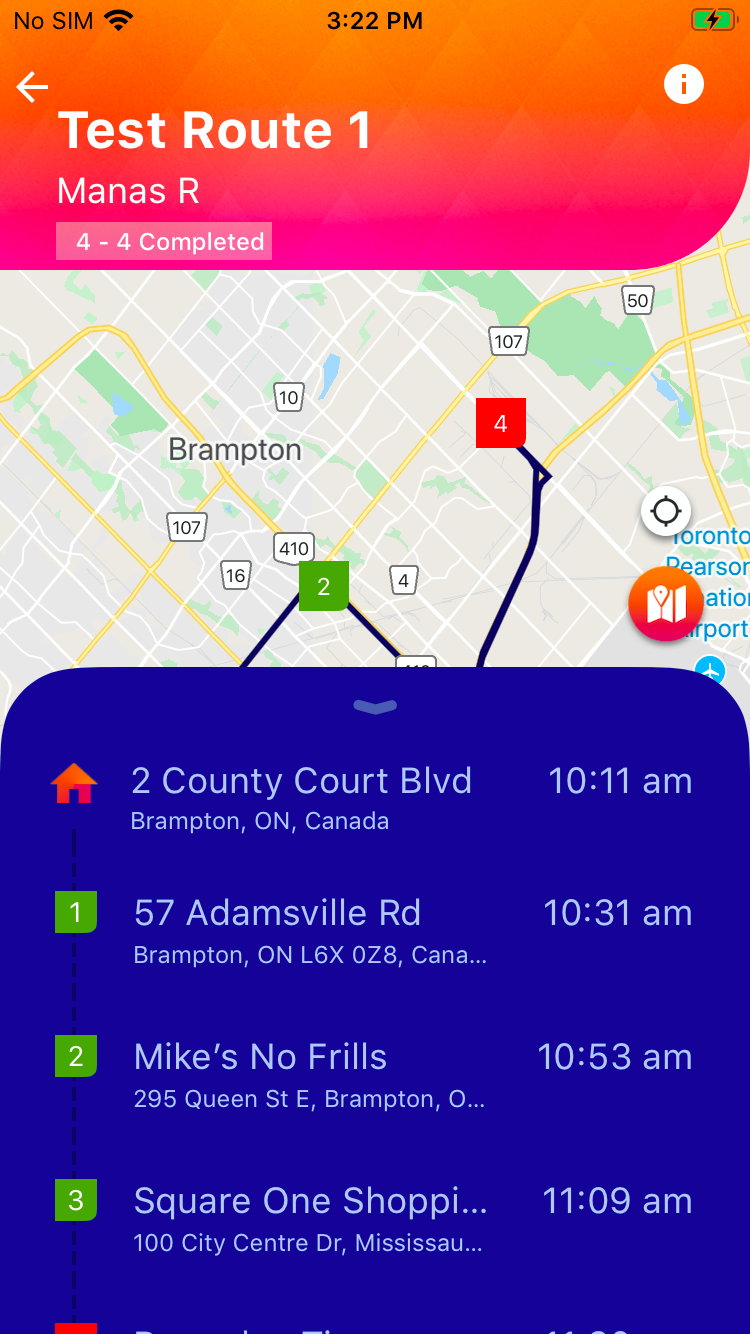
The in-app insights for each route can be accessed by clicking on a specific route of your choice, then click theor information icon.
 or information icon.
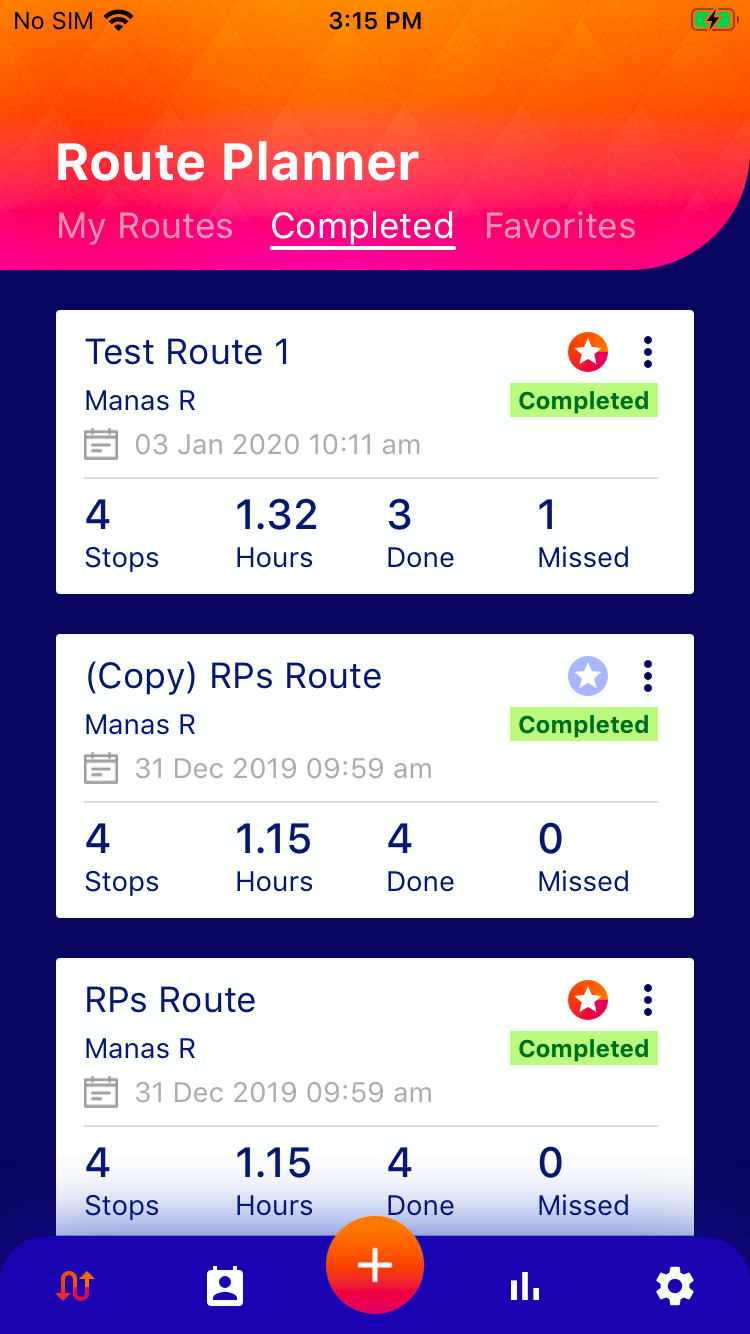
To access the insights:
- On the main page of Route Planner (Click on)
- Navigate to any of the tabs; My Routes, Completed or Favorites.
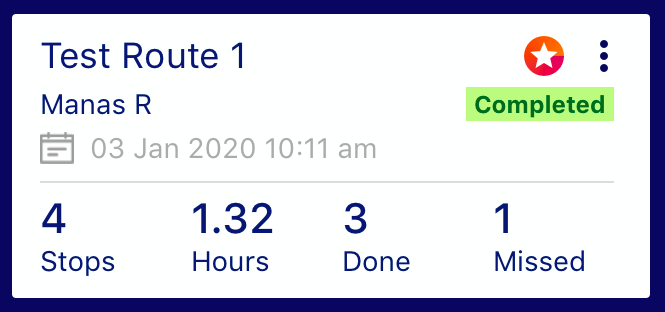
- Scroll to a route of your choice
- Click on the Route
- Click on the icon
 )
)
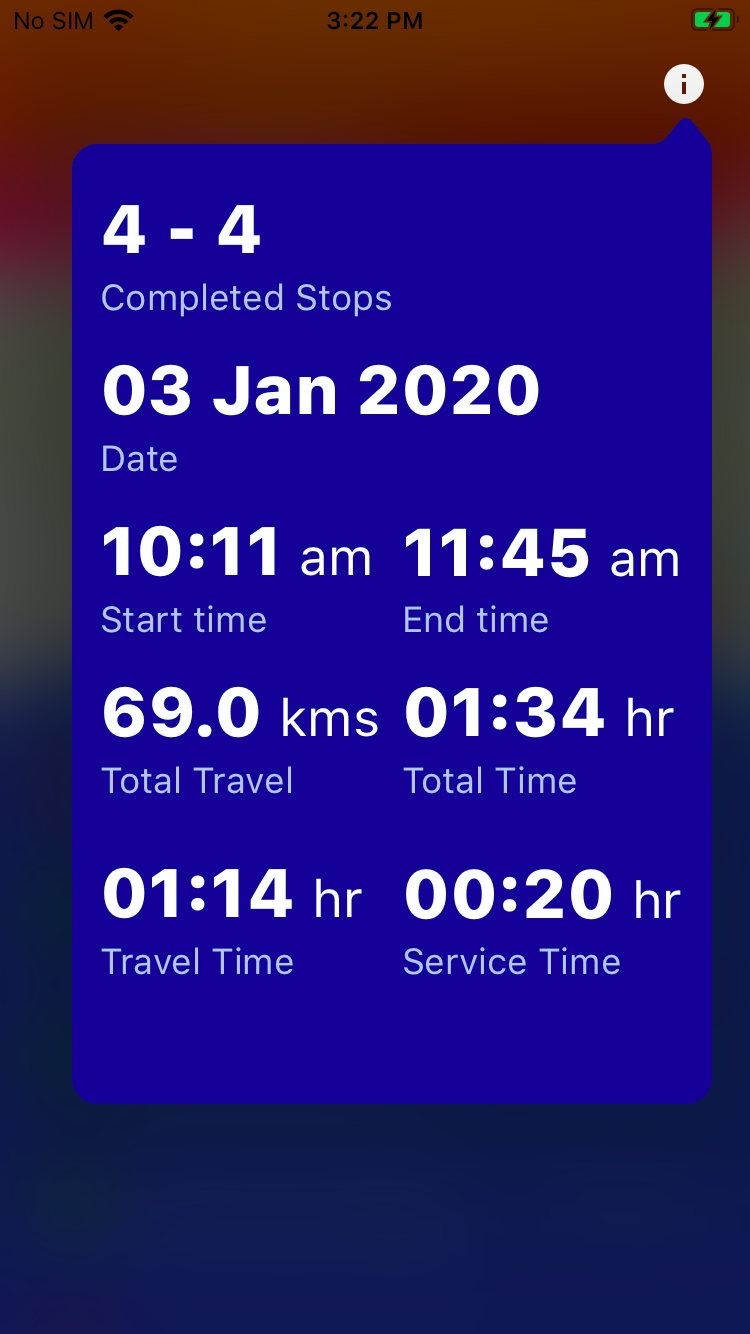
Here you will see all the details for the selected route including the total kilometers traveled, total time and total service time.