Where are my photos, signatures and notes? / Where are my Stop Logs for each Route?
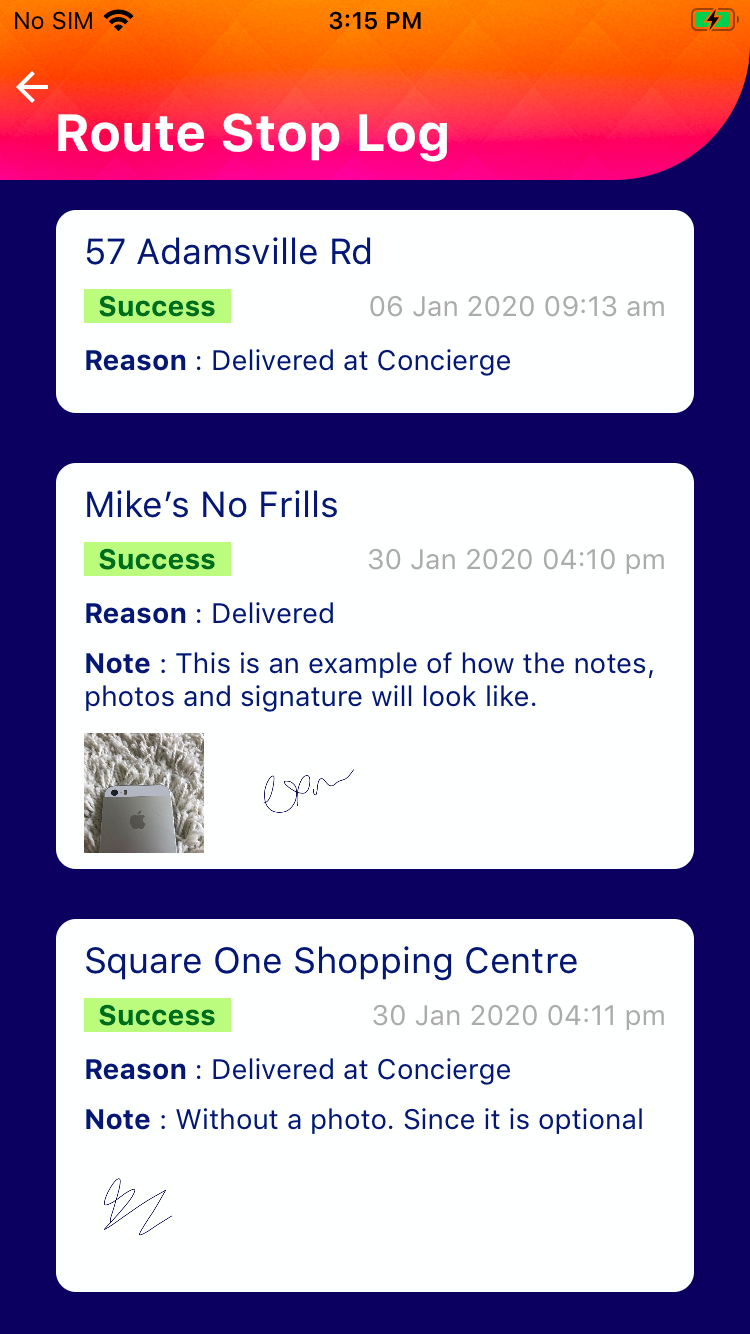
Route Planner App has built-in functionality to take notes, pictures, and signatures.
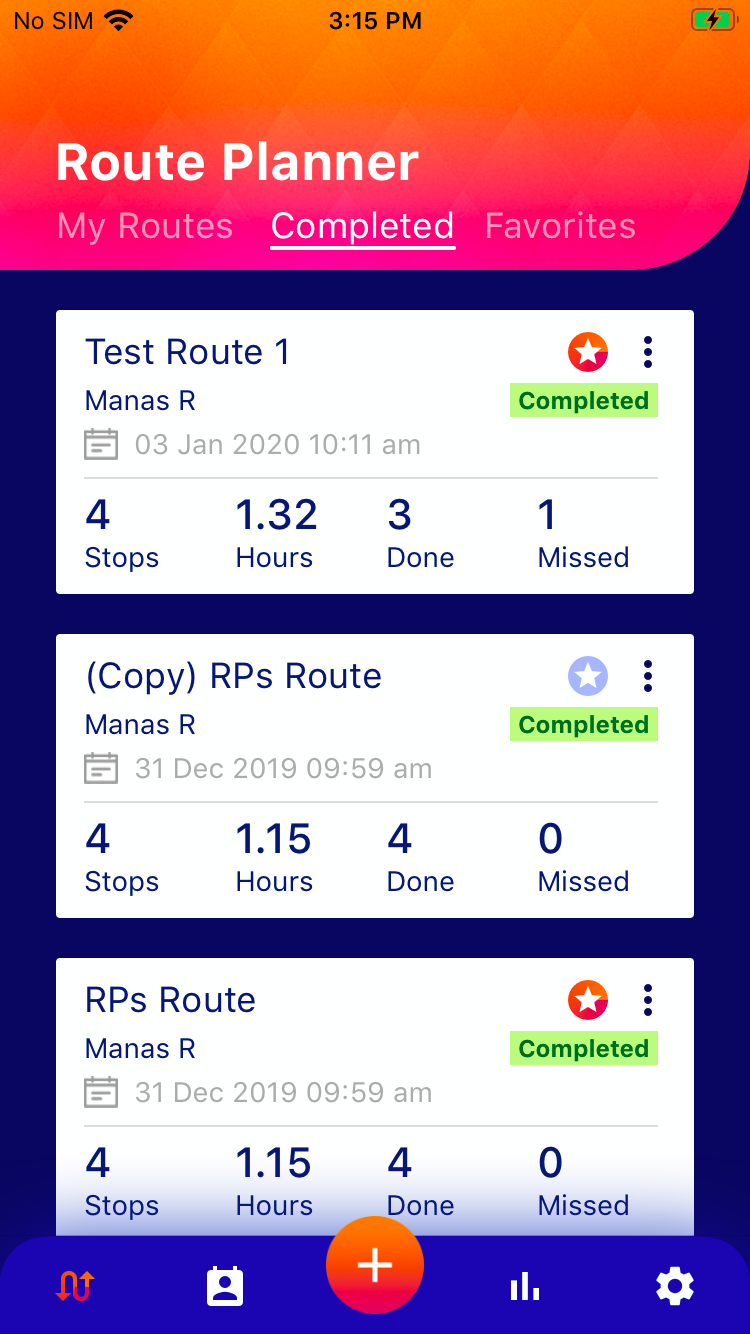
These items can be viewed in a Stop Log for each completed route. To view a stop log:
- On the main page of Route Planner (Click on)
- Navigate to the Completed Tab
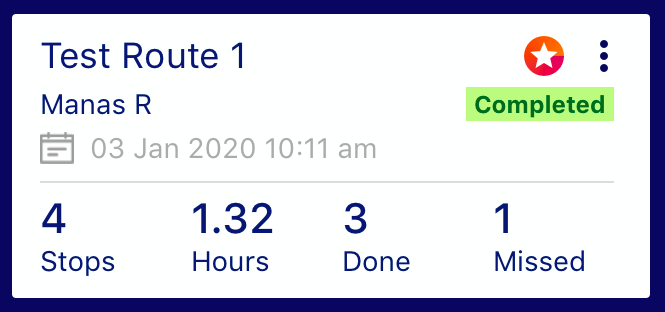
- Scroll to a completed route of your choice
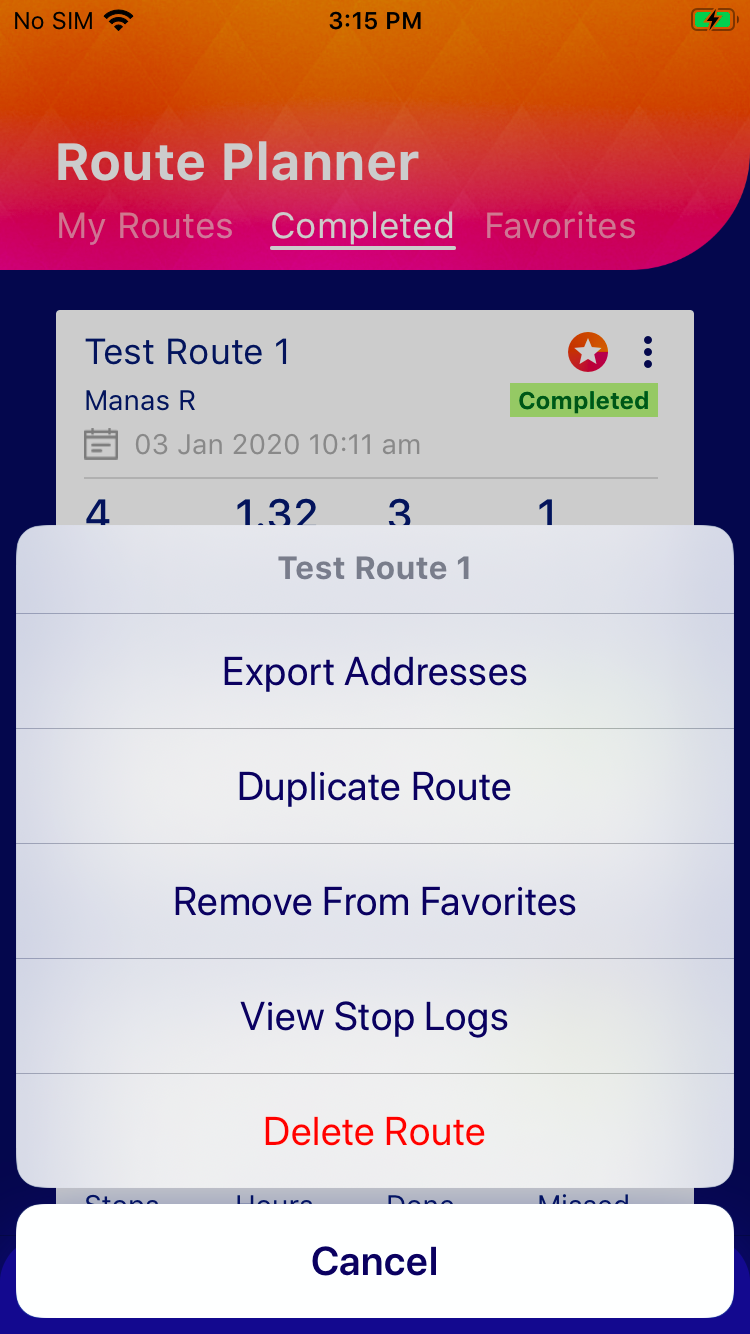
- Click on the three-dots menu ""
- Click “View Stop Logs” for all the details for all the stops for the selected route.
 )
)
 "
"Alternatively, you can generate a Stop Log report from the Reports section of the app and send it to your registered email, share with other email addresses or download PDF on the device.