How to add team members?
To add a new team member or to select from existing team members:
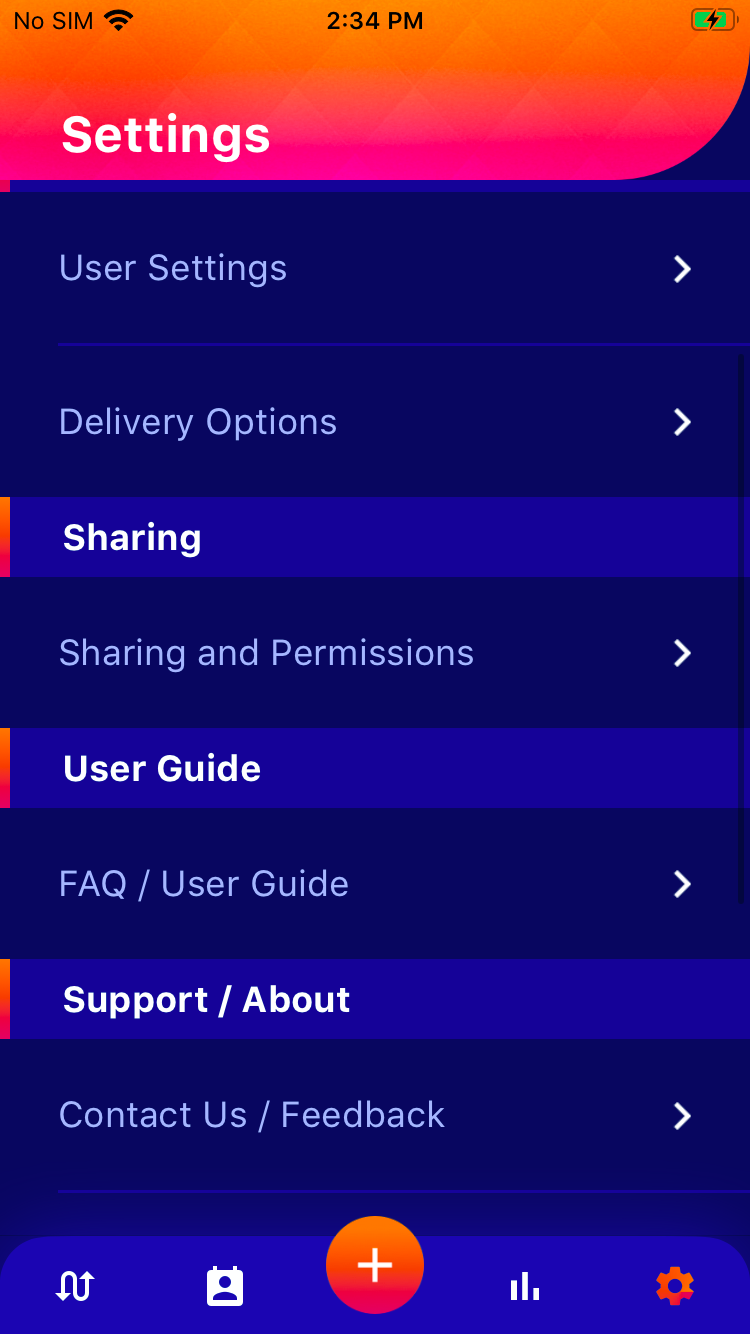
- Go to Settings
- Select “Sharing and Permissions”
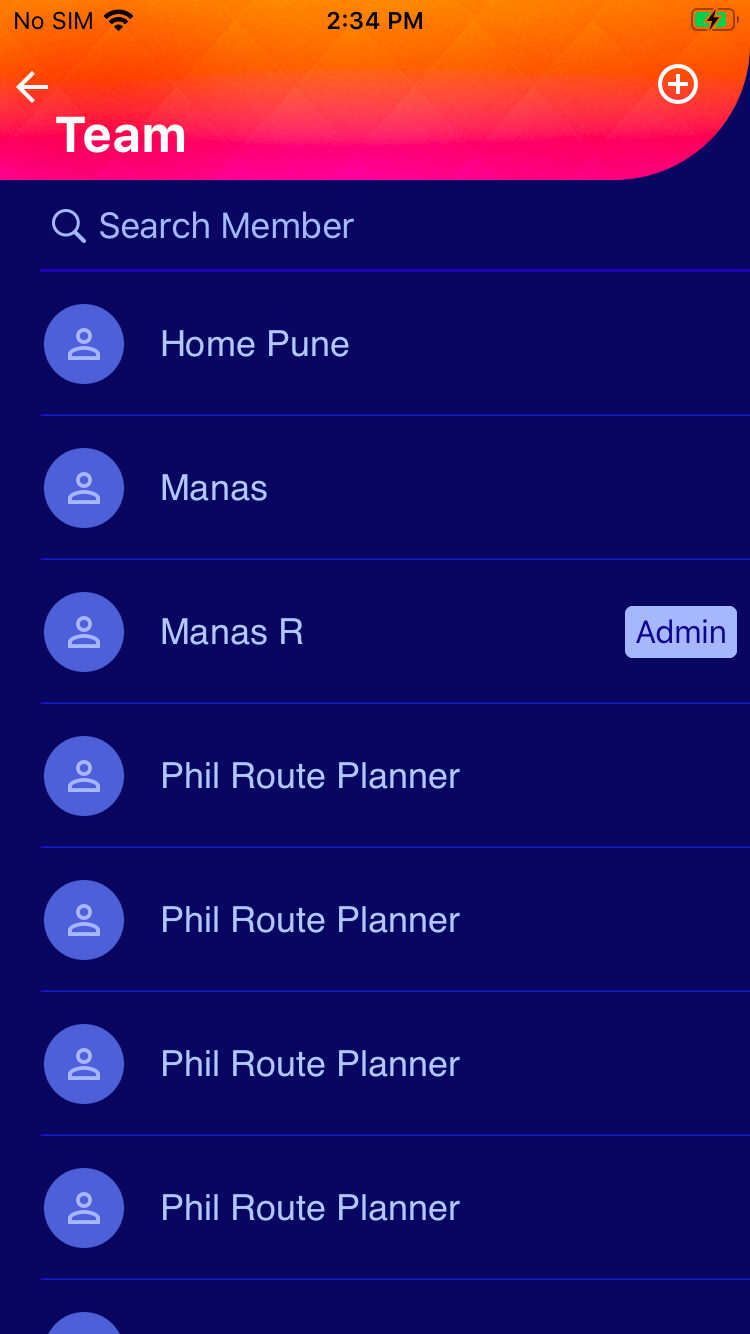
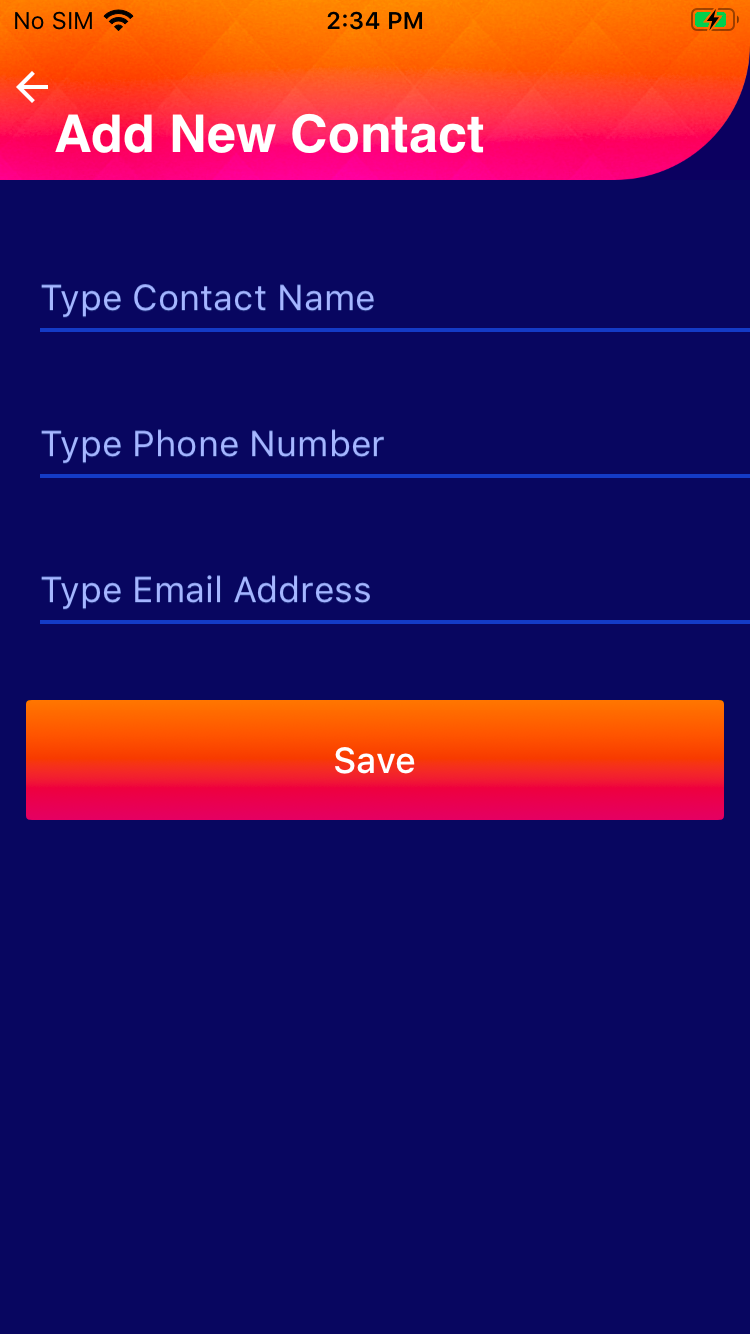
- Select from the list of team members or add a new team member by clicking on the plus icon


Now you can assign a team member to each new route you create*
*More functionalities will be added in the upcoming months.