How to Delete Addresses?
To delete an address from the Route Planner App, follow the below steps
- Open the Route Planner App
- Click on theicon
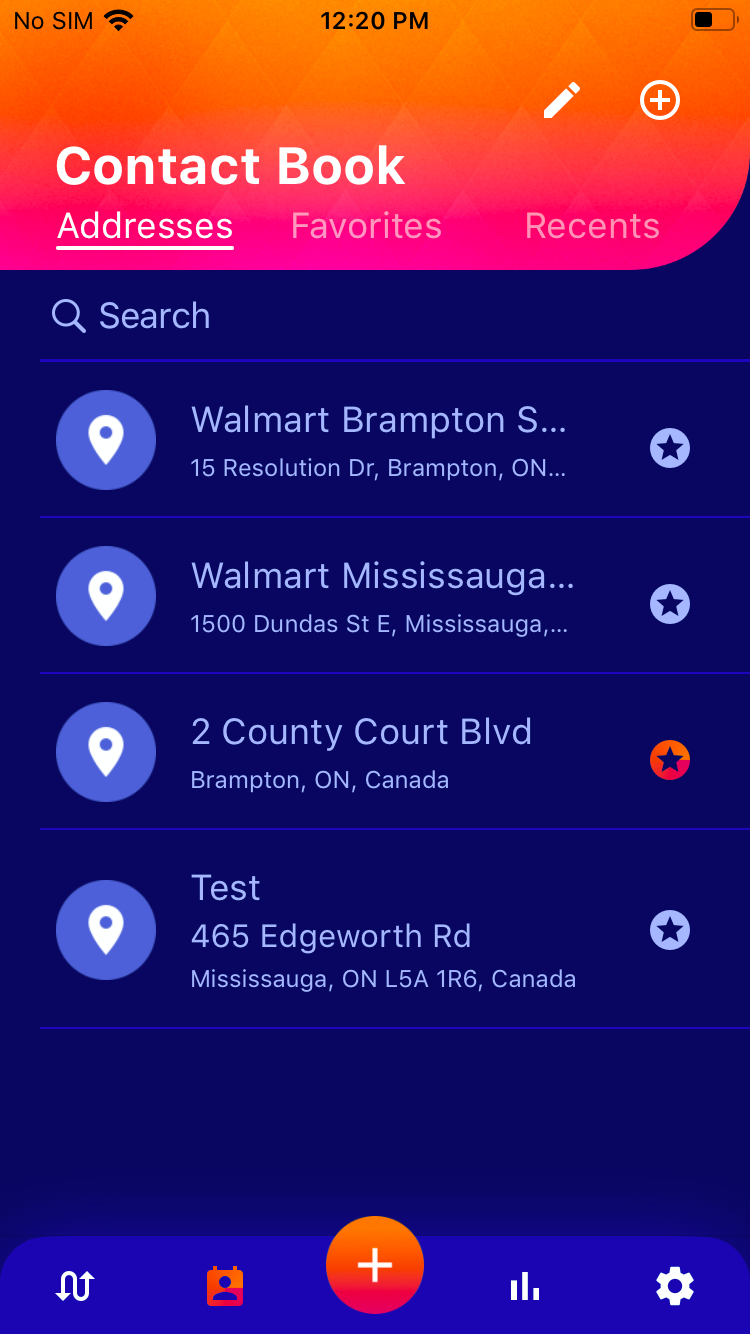
- Simply select which category you want to delete, i.e. from Addresses, Favourites or Recent.
- Click the pencil/edit buttonon the right top corner
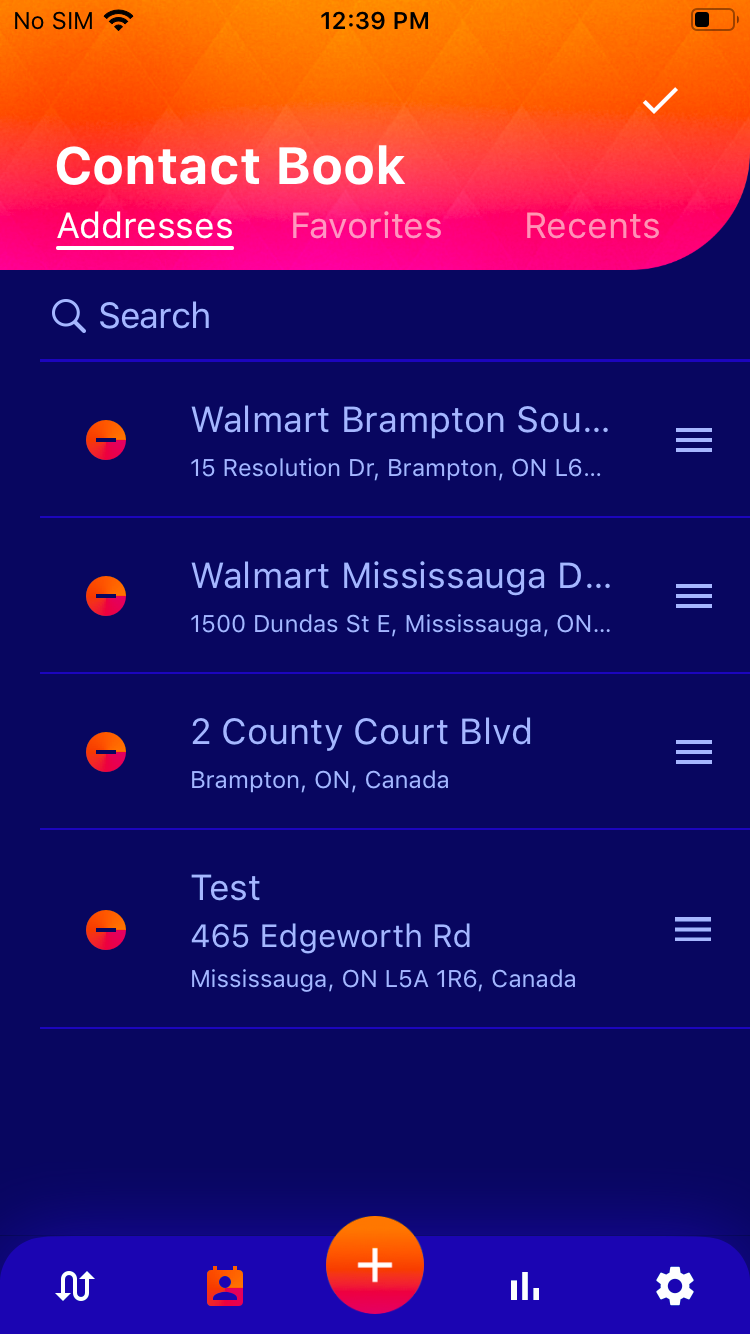
- Click the delete or minus icon
- Hit the delete button on the prompt
- Done!
 icon
icon on the right top corner