How to add a simple route with default options?
Once signed in, you will be on the main page where you will see all your routes: Drafts, Active, Expired, Completed and Favourites.
To create a new route with default options:
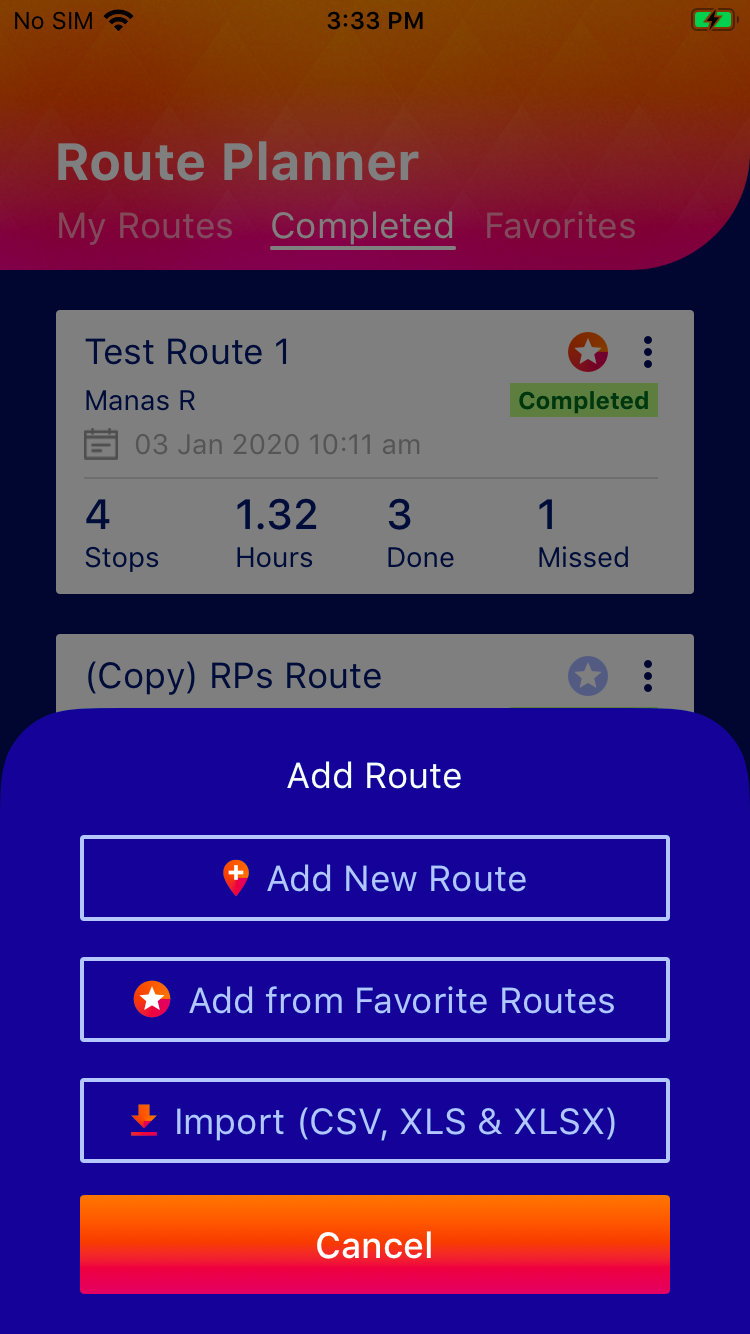
- Click on thebutton and choose "Add New Route"
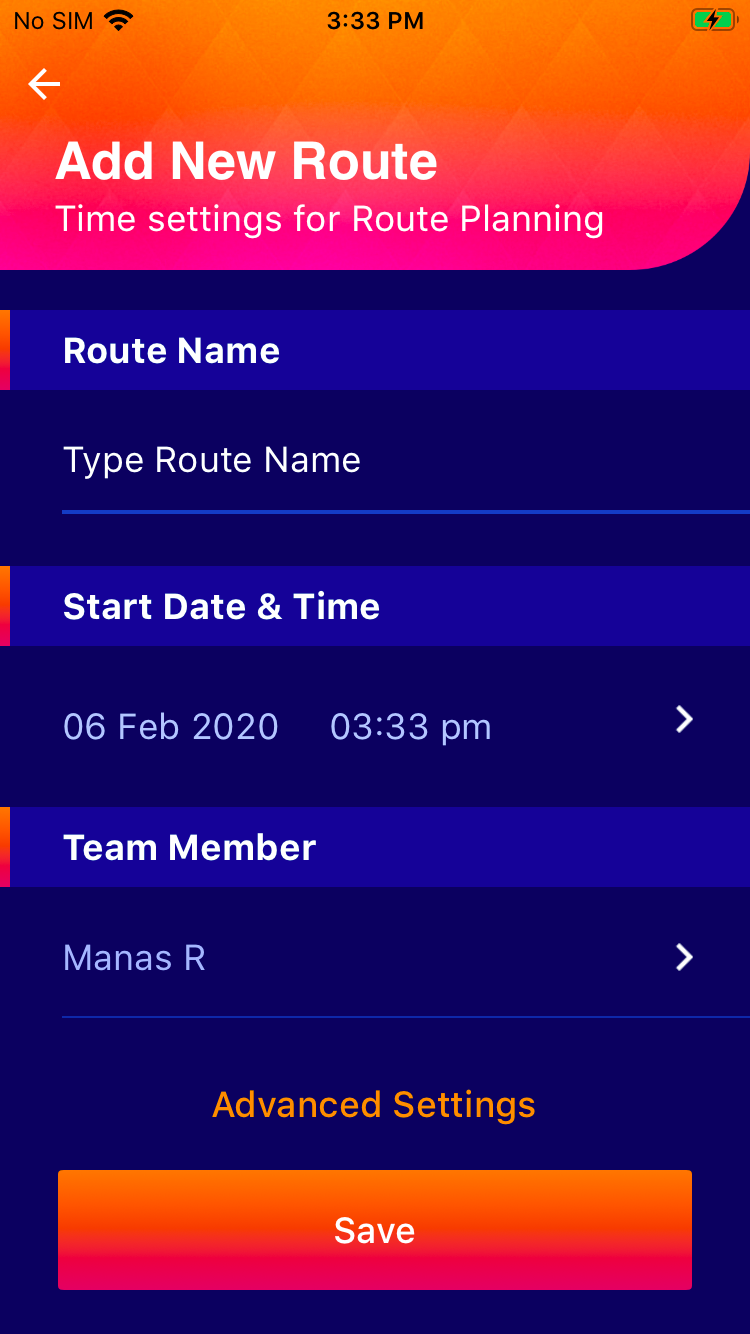
- Type in the route name of your choice
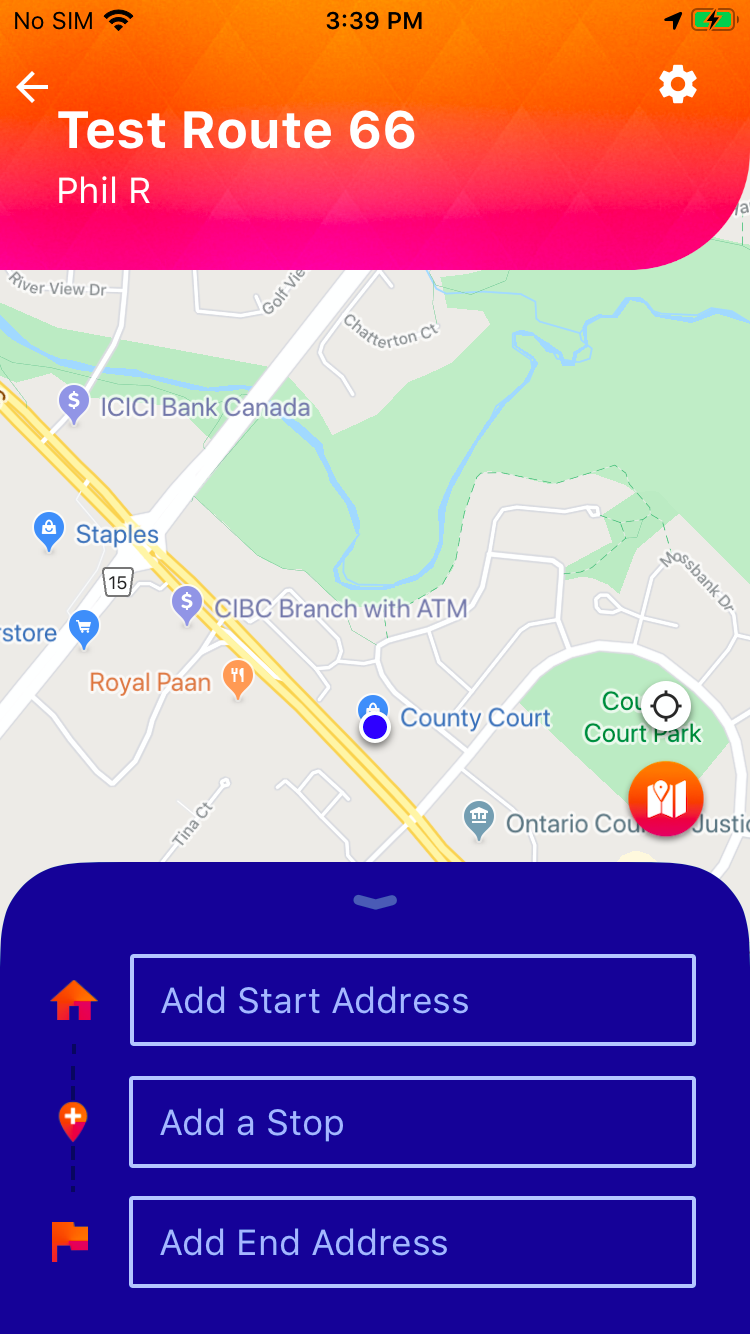
- Add a start address
- Add any number of stops in between in any order (Since Route Planner App algorithm will optimize the route later)
- Add an end address
 button and choose "Add New Route"
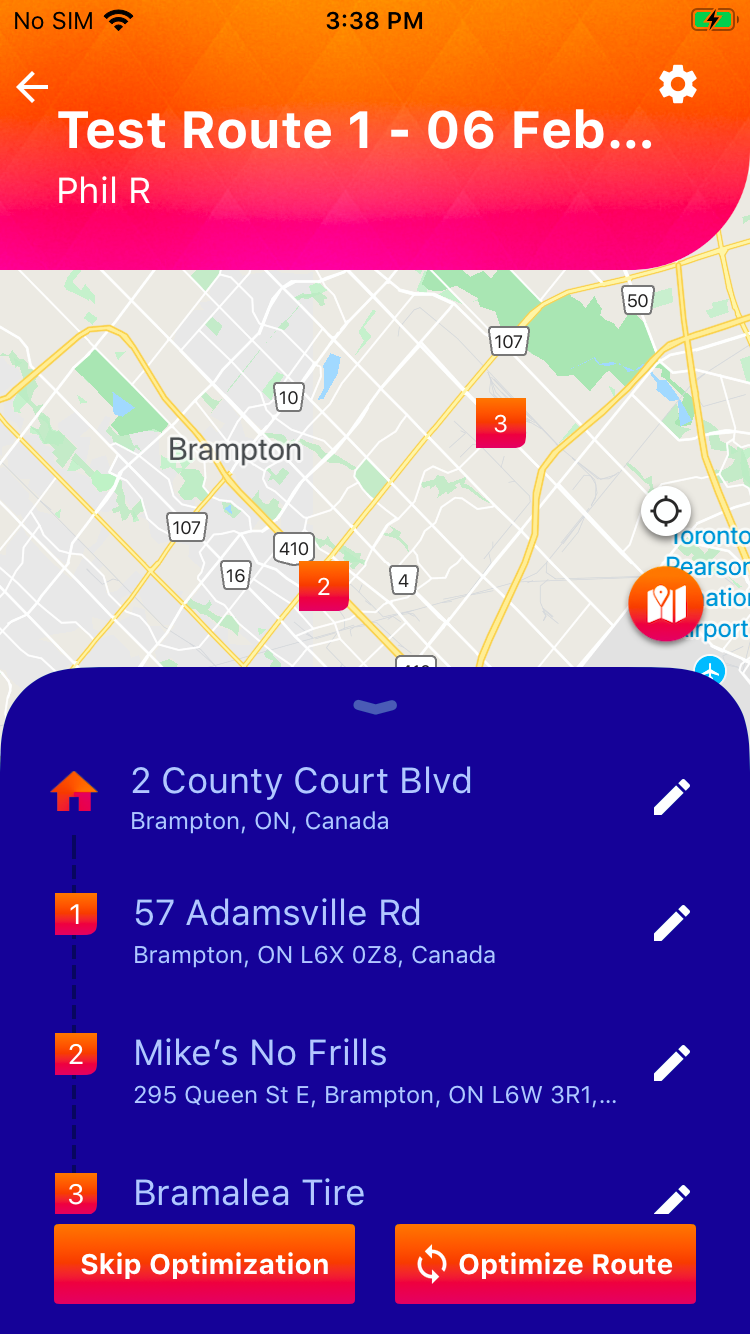
Once all the stops are added, you can either choose to(recommended) orand.
 (recommended) or
 and
and .
.You always have the option to edit and add more stops even in the middle of completing the route.